When I was creating the FeedLand Docker Compose file, I was thinking of it running on a VPS with a public hostname. There was another use case I was not thinking about: running on a local machine in a private network, without any hostname in DNS. This would be pretty common for someone just wanting to run FeedLand for themselves on their own laptop, without wanting to set up any SSL or proxy.
For this case I've added an option to run FeedLand as localhost. When the initial script is called as `./scripts/generate-env.sh –http-localhost`, the URL of FeedLand is set to http://localhost:1452, and the Caddy web proxy is not started.
I've also added a script to easily determine the confirmation URL for a new user when email has not been configured.
Thanks to John Johnston and Frank McPherson for suggesting and testing the localhost installation. This should make it even easier to explore FeedLand.
Next I intend to explore other possibilities for using the FeedLand Docker image, for example with the Synology Container Manager or with Coolify.
I have just released a Docker compose file for FeedLand for public testing. It contains a compose file some supporting scripts to quickly install an instance FeedLand together with MySQL as Docker containers. It will optionally start a Caddy proxy to enable HTTPS.
I've been testing this out on the command line of a Linux VPS. You need to have Docker installed, of course. It makes things easier if you can run Docker as a normal user instead of root.
Once you've downloaded the repo from GitHub, there are basically two steps.
- Create or generate a .env file with you FeedLand hostname and the passwords for MySQL
- Run `docker compose up -d` to create and run the containers
That's it. A config.json file is created that can be edited to add features and change settings.
Running notes will be posted to https://scott.this.how/feedlandDockerCompose.opml
This is completely inspired by Chuck Shotten's Dockerfile for FeedLand from his feedlandInstall repo. I've published a FeedLand Docker image at Docker Hub (generated by a GitHub action whenever FeedLand itself is updated).
Please feel free to try this out and let me know in the issues if the instructions are unclear or if it doesn't work as expected. 😃
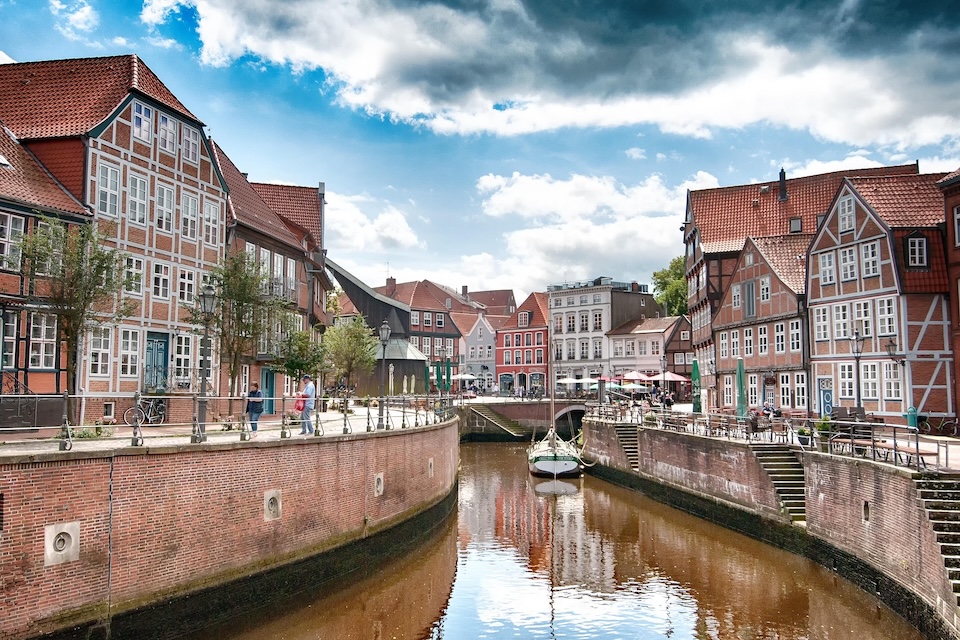
This is a post with a featured image. We've just added support for featured images, and we're putting it at the top of the post constrained to the width of the post body.
A test post never comes alone. They generally come in twos or threes or even as a crowd!
We're trying out smaller post titles on the home page. These are now 25px, as opposed to 32px on the single post page.
Block quotes are supported by WordLand, but didn't yet have a style.
This is now a block quote with a style.
And here is some text after the block quote.
This is a list of things that I want to try out on the new baseline theme.
Here are five great MLB first basemen and what made each of them especially interesting:
-
Lou Gehrig – The "Iron Horse" of the Yankees, famous for his durability, humility, and tragic early retirement due to ALS, which now bears his name.
-
Albert Pujols – A modern legend known for his all-around hitting, consistency, and longevity, finishing with over 700 home runs.
-
Willie McCovey – Towering lefty slugger for the Giants, feared for his monstrous power and iconic presence in the batter’s box.
-
Keith Hernandez – Brilliant defensively, redefining how first base was played with range, quickness, and leadership—also a memorable personality.
-
Frank Thomas – “The Big Hurt” dominated the ‘90s with his intimidating size and incredible hitting eye, combining power with patience.
Thanks for listening, this has been a test!
Here is a test post with an image 1600 pixels wide.
I've applied the single column layout proposed by Christy Nyiri. I personally think it looks fantastic.
Here are some WordLand styles.
Heading 1
Heading 2
Heading 3
This is a block quote. (This doesn't seem to be styled yet.)
Bold, italics, underlined (hmm, it's not underlined).
An ordered shopping list:
- Bread
- Milk
- Eggs
Notes as an unordered list:
- The next/previous links have returned to the WordPress default instead of large arrows only. Update: That was my bug, now fixed.
- As Christy noted, the child elements of the Post Template block are a little weird at inheriting global padding, as evidenced on mobile.
- Are H1 and H2 way too big? Update I've bumped down the font-sizes of H1 to H3 to large, medium, and normal. H1 now matches the size of the post title, and H3 matches the size of normal paragraph text.
Here's a paragraph that appears under the unordered list.
This is a paragraph of text that comes above the list. These five random items were generated by AI.
- Mango
- Telescope
- Jazz music
- Notebook
- Bicycle pump
And this is a paragraph to finish this list.
It looks like WordPress is putting 22 px top and bottom margin on the paragraphs and the ordered list, and 18 px top and bottom between the list items (actually the margin is on the p element within the li).
Here are the same items as an unordered list.
- Mango
- Telescope
- Jazz music
- Notebook
- Bicycle pump
And finally some text as a paragraph that appears below the list.
For Change #4 some adjustments to the post body text were requested.
- Font size should be 18px
- Font weight should be 400
- Font color black on white background
- Values should be able to be changed in browser dev tools
In block style WordPress themes most of the CSS is in the theme.json file.
- The font size in a post is set in core WordPress to the CSS variable –wp–preset–font-size–normal. "normal" is set in WordPress itself to 16px, so I set "normal" in theme.json to 18px.
- I also increased the "small" font size from 16px to 18px.
- Under "typography" I changed the font weight from 300 to 400.
- Also under "typography" the background was already set to white, so I left it.
- Yesterday I posted on how to view and change CSS variables in dev tools.
- On my own, I also increased the size of "x-small" text from 14px to 16px, since the text in the sidebar and the footer seemed too small compared to the 18px post body text.
Once these changes are tested, they will become version 0.0.2 of the theme.